Core Web Vitals in 2026: How to Pass LCP, INP and CLS
Ammar
AI Specialist
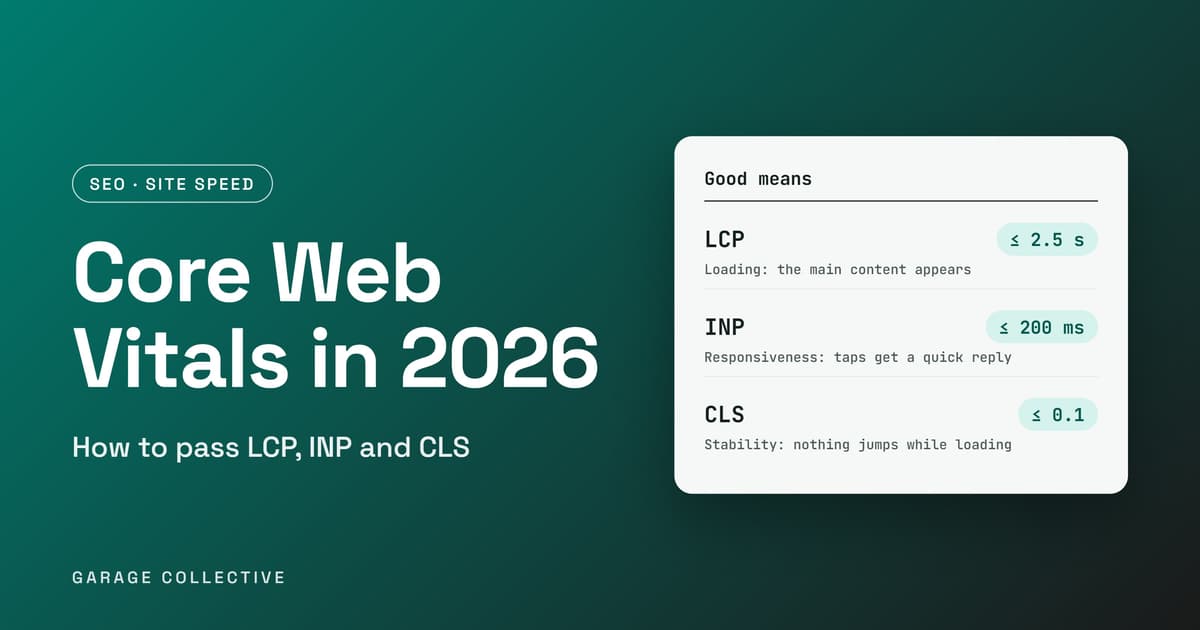
Your site "feels fine" on your laptop, on office Wi-Fi, with everything already cached. Your customers are on a mid-range phone, in a lift, tapping a button that does nothing for half a second. Google measures that gap with three numbers called Core Web Vitals, and it reports them on your site whether you look or not. Most teams either ignore them or chase a perfect 100 in a testing tool, and neither helps. This guide explains what the three numbers mean in plain language, where to read your real scores, and the handful of fixes that move them, in the order worth doing them.
What are Core Web Vitals, and what counts as good?
Core Web Vitals are three measurements of real visitors' experience: how fast the main content appears, how quickly the page reacts when someone taps or clicks, and whether things jump around while it loads. Google assesses each one at the 75th percentile of page views. In plain terms, at least 75 out of every 100 visits need to meet the "good" line.
| Metric | What it tells you | Good means | The usual culprit |
|---|---|---|---|
| Largest Contentful Paint (LCP) | How long the biggest visible element, often the hero image or headline, takes to appear | 2.5 seconds or less | A slow server, or a hero image that loads late |
| Interaction to Next Paint (INP) | How quickly the page responds to taps, clicks and key presses | 200 milliseconds or less | Too much JavaScript running when a person interacts |
| Cumulative Layout Shift (CLS) | How much the layout moves while loading | 0.1 or less | Images, ads and embeds with no reserved space |
Images, ads and embeds with no reserved space The same thresholds apply to mobile and desktop. Google's documentation notes that mobile constraints shaped most of the values, so mobile is where most sites find the gap. INP is the newer one. It replaced First Input Delay as a Core Web Vital in March 2024, so any guide still talking about FID is out of date.
Do Core Web Vitals affect your Google rankings?
Google recommends good Core Web Vitals for success in Search and presents them as part of page experience, which its core ranking systems aim to reward. Its documentation does not say how much weight they carry, and it does not promise that a good score will lift your rankings. So treat them as a floor, not a trick. A fast, stable page will not rescue thin or irrelevant content, and relevance still matters more. But a slow or jumpy page loses visitors before they read a word, which hurts conversions whatever the ranking effect. That is reason enough to fix them.
Where do you check your real scores?
Start with real-user data, not a single test run. There are two kinds of data, and they answer different questions.
• Field data comes from real Chrome users visiting your pages. PageSpeed Insights shows it from the Chrome User Experience Report and covers the previous 28 days, updated daily. This is the data that counts.
• Lab data is a simulated page load in a fixed setup. For mobile, PageSpeed Insights simulates a mid-tier Moto G4 on a mobile network. It is useful for finding and debugging problems, but it will not match what your visitors actually see.
Three places to look:
• The Core Web Vitals report in Google Search Console. It groups your pages and shows which groups need attention. Our guide to the Search Console generative AI report is a good companion for reading Search Console data.
• PageSpeed Insights for any single URL. Read the field data section first, and the lab diagnostics second.
• Your own real-user monitoring, if you have it, using Google's web-vitals library.
Two details help you read the results. A page passes only if LCP, INP and CLS are all good. And if a page is too new to have enough data, PageSpeed Insights falls back to data for your whole site, and if there is not enough of that either, it shows no real-user data at all. A new or low-traffic page showing no field data is normal. Because field data covers 28 days, a fix you ship today will not show up in full for about a month. Do not panic after one week.
How do you fix a slow LCP?
Google's guidance splits LCP into four parts: server response time, the delay before the browser starts loading the main element, the time to download it, and the delay before it renders. As a rough guide it suggests that about 40% of the total goes to server response and about 40% to downloading the element, with the other two parts staying close to zero. It treats these as guidelines, not fixed millisecond budgets.
That tells you where to look. In order:
• Do not lazy-load your hero image. Adding loading="lazy" to the largest image on the page delays its request until after layout. Save lazy loading for images below the fold.
• Give the likely LCP image high priority. Add fetchpriority="high" to it, on no more than one or two images, or it stops helping.
• Preload anything the browser cannot discover early. If the hero image is set in CSS or added by JavaScript, preload it with a link tag in the HTML.
• Speed up the server response. Cut redirects, serve from a CDN, avoid cache-busting query strings, and consider server-side rendering or prerendering for pages that depend on JavaScript to show content.
A hero image tag that follows this advice looks like this:

How do you fix a slow INP?
INP is the hardest of the three because the cause sits in your JavaScript, not in a single image or server setting. Google's own advice follows a clear loop: find the slow interactions in real-user data, work out which element and script are involved, reproduce them in Chrome DevTools, then cut the work done during the interaction. In practice, that means breaking up long JavaScript tasks, removing scripts you do not need, and avoiding large rendering updates in response to a tap. Check what you have added over the years, such as tag manager containers, chat widgets and tracking scripts, since each adds work to the main thread. Then measure again in real-user data to confirm the fix held.
How do you fix layout shift?
Layout shift is the easiest to fix, because the causes are well known and each has a clear remedy.
• Images with no dimensions: set width and height attributes, or reserve space with the CSS aspect-ratio property.
• Ads, embeds and iframes: reserve space with min-height or aspect-ratio, and do not collapse the space if nothing loads. Ads are among the biggest contributors.
• Banners and forms injected after load: reserve the space in advance, or let the visitor trigger the load with a button.
• Web fonts: use font-display: optional, choose a fallback font with similar metrics, and preload critical fonts.
• Animations: use transform instead of animating top, left or box-shadow.
Missing image dimensions is often the quickest win. Our is a useful companion when you are reviewing page-level problems in the same pass.
What should you fix first?
• Open the Core Web Vitals report in Search Console and find the page group with the worst status on mobile.
• Test one page from that group in PageSpeed Insights and note which of the three metrics fails.
• Fix LCP first if it fails. The hero image and server settings are the first places to look.
• Fix layout shift next. Add dimensions and reserve space.
• Tackle INP last, with developer help, because it takes the most time.
• Wait for the 28-day window to roll, then check field data again.
If you are planning a rebuild, the enterprise website architecture guide covers rendering choices that affect all three metrics.
Mistakes that waste time
• Chasing a perfect 100 in the lab score. It is a debugging aid, not the target. Field data is what Google reports.
• Testing only on a fast laptop. Check on a mid-range phone, or at least use throttled mobile testing.
• Lazy-loading everything, including the hero image.
• Fixing the homepage and ignoring the product, blog and category templates, where most traffic lands.
• Adding a tool to measure speed that itself slows the site down.
Frequently Asked Questions
Do I need a perfect 100 on PageSpeed Insights?
No. The 0 to 100 score comes from the lab test. What Google reports for Core Web Vitals is real-user field data, assessed at the 75th percentile. Aim to pass all three metrics in the field data, not to hit 100 in the lab.
Why does my lab score look fine when Search Console shows a problem?
Because they measure different things. Lab data is one simulated load on a fixed device and network. Field data covers the previous 28 days of real visits, across many devices and connections. Trust the field data.
What replaced First Input Delay?
Interaction to Next Paint. It officially replaced First Input Delay as a Core Web Vital in March 2024. A good INP means that at least 75% of interactions get a response in under 200 milliseconds.
How long until my improvements show up?
Field data covers a 28-day window, so a fix takes up to about a month to show in full. PageSpeed Insights updates the data daily, so you will see it move gradually.
Are the thresholds different for mobile and desktop?
No. The same good thresholds apply to both: 2.5 seconds for LCP, 200 milliseconds for INP and 0.1 for CLS. Mobile is usually harder to pass, so check it first.
What if my page shows no field data?
It does not have enough real-user samples yet, which is common for new or low-traffic pages. PageSpeed Insights then shows data for your whole site if there is enough, and nothing if there is not. Use the lab results to guide your fixes in the meantime.
Sources
• web.dev: how the Core Web Vitals thresholds were defined
• Google Search Central: Core Web Vitals and Google search results
• web.dev: INP is officially a Core Web Vital
• web.dev: optimize Largest Contentful Paint
Like what you're reading?
Get a free marketing plan tailored to your brand
Get Your Free Planyes, actually free. we're not kidding.
Key Takeaways
- Core Web Vitals are three real-user measures: LCP for loading (2.5 seconds or less), INP for responsiveness (200 milliseconds or less) and CLS for stability (0.1 or less).
- Google assesses them at the 75th percentile, and a page passes only if all three are good. INP replaced FID in March 2024.
- Treat them as a floor, not a ranking trick. Google recommends good scores but does not say how much weight they carry or promise a rankings boost.
- Read field data first (Search Console and PageSpeed Insights, a 28-day window), and use lab data only to debug.
- Fix in order: stop lazy-loading the hero image and give it high priority, reserve space for images and embeds, then reduce JavaScript work for INP.
the TL;DR your boss will love
This Isn't Just Theory. We Do This Daily.
Let us show you exactly what we'd do for your brand - strategy, channels, budget, timeline. Free. No pitch deck.
Get Smarter Every Week
Ideas, data, and the occasional hot take. Biweekly, no spam.
we promise not to sell your email to robots
You Might Also Dig These
^ we picked these just for you (okay, the algorithm did)
Google's October 2026 AI Content Guidance: SEO and E-E-A-T Checklist
Google updated its guidance on generative AI content on 1 October 2026, aligning the documentation more closely with its Search Quality Rater Guidelines. The update does not create a special ranking system for AI-written pages. It sharpens the standard that matters: content should serve a clear audience, demonstrate real expertise and make factual claims easy to verify. For Indian marketing teams using AI at scale, the operational question is no longer whether AI may be used. It is whether every published page adds original value, accountable authorship and dependable evidence.
ReadIndia Festive Commerce Playbook 2026: D2C, Quick Commerce and Always-On Growth
India’s festive season remains a major commercial opportunity, but e-commerce demand is no longer limited to a few sale events. NIQ describes a market shaped by both habitual purchases and event-driven peaks, while Meta points to video-first discovery, creators and messaging-led commerce. A useful festive plan connects demand forecasting, channel roles, creative and customer experience from discovery through repeat purchase.
ReadUltimate Guide to AI-First Agency Month: Optimize Performance Marketing ROI Amid Rising Ad Costs in India
Struggling to keep up with rising ad costs and ever-changing Google and Meta algorithms? Indian marketers, startups, and D2C brands are feeling the pressure to scale smarter - not harder. Ready to cut through the noise and supercharge your performance marketing ROI? This guide reveals AI-first strategies, proprietary tools, and proven tactics to help you stay ahead and win big in India’s digital market.
Read